




Customer portal development
A customer account for your website or service: clients see their orders, payments, documents and statuses themselves, and your team stops answering «what's happening with my request». The key screens prototype is free, before any contract.
- 50+projects launched
- 12industries, from public sector to AI
- 3 daysfastest launch
- $0before the contract: mockup and review
A customer portal is the private part of a website or service where a client signs in and sees only their own data: orders, payments, documents, statuses. Roles and permissions decide what each user can see and change.
A portal makes sense when clients come back: to check an order, download documents, pay for the next stage, book again. If all of that now runs through email and messengers, a portal takes most of the routine off your team.
What matters most isn't the screens, it's permissions: who sees what and who can change it. In the UMOK online school portal, families see lessons, homework and payments, teachers see their schedule and students, and school staff see what the permission matrix allows. Every project starts from that map.
What's included
Email, phone, Telegram or invite-link sign-in. Account recovery, brute-force protection, sessions on several devices.
Client, staff, manager, admin - each with their own screens and actions, configurable without a developer.
Order history, invoices, online payment, subscriptions, statuses that update themselves.
Email and Telegram messages about a new status, payment, lesson or deadline - where people will actually see them.
CRM, ERP, payment providers, telephony. Nothing is entered twice: the portal uses the same systems your team works in.
Staff see clients, payments and requests in one place, managers see the key numbers up front.
Portals we've built
All work ↗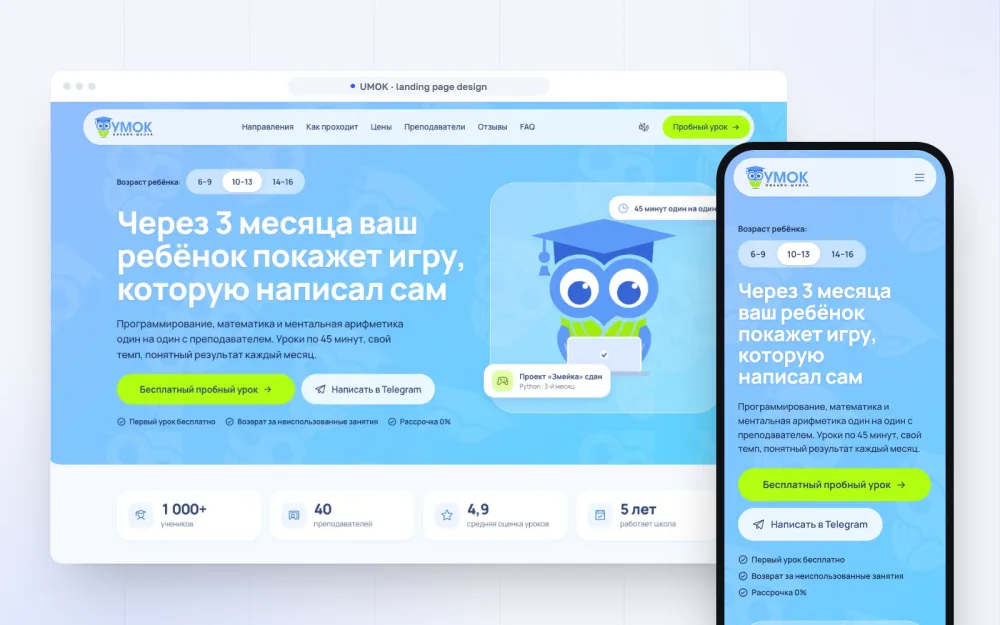 UMOKonline school: landing page and portals for families, teachers and staff
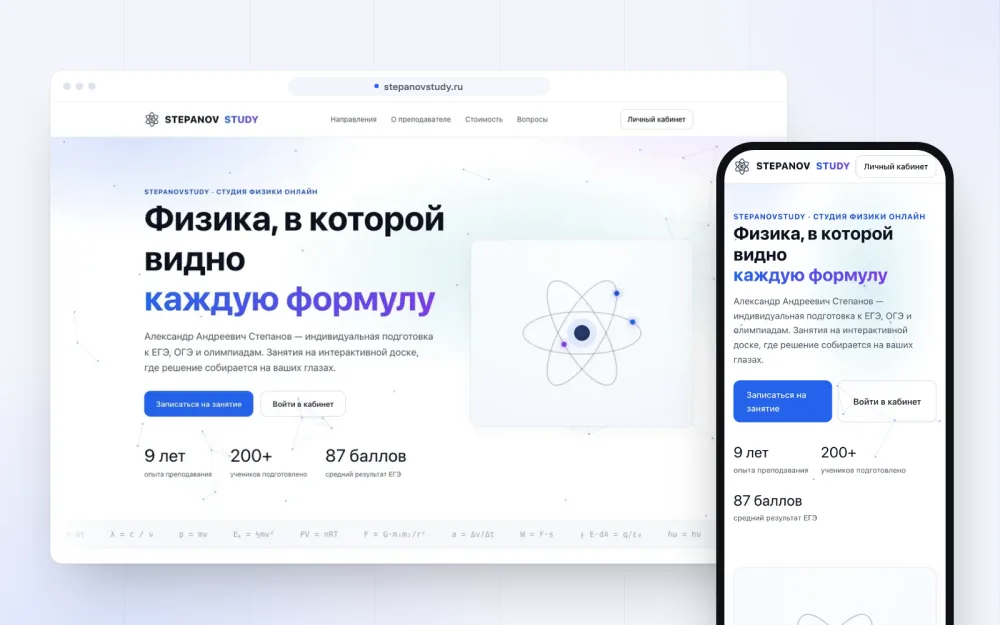 Stepanov Studystudent accounts, homework and an interactive whiteboard
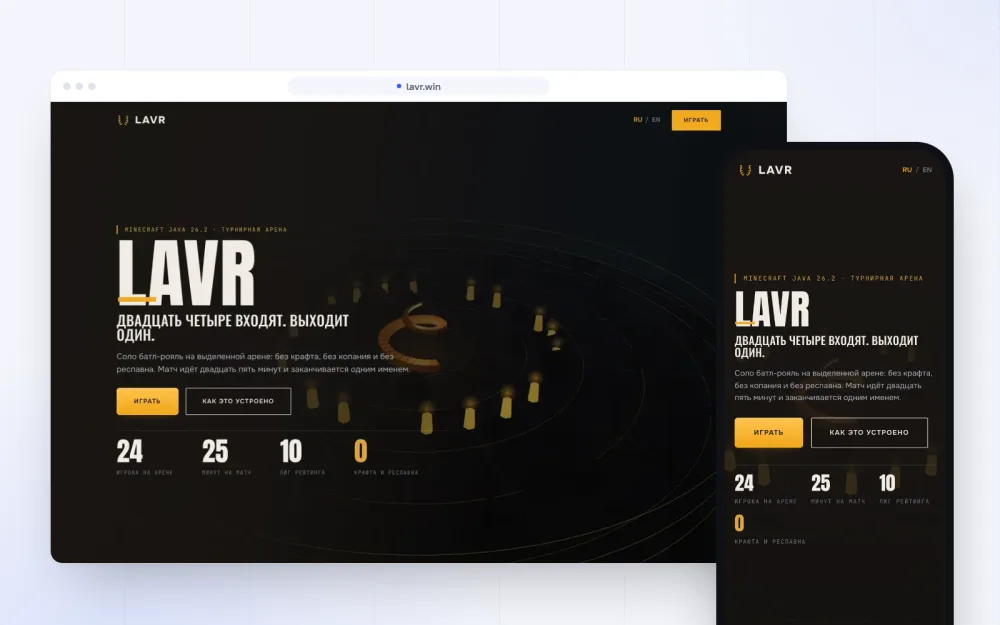 LAVRplayer account: profile, matches, purchases and rating
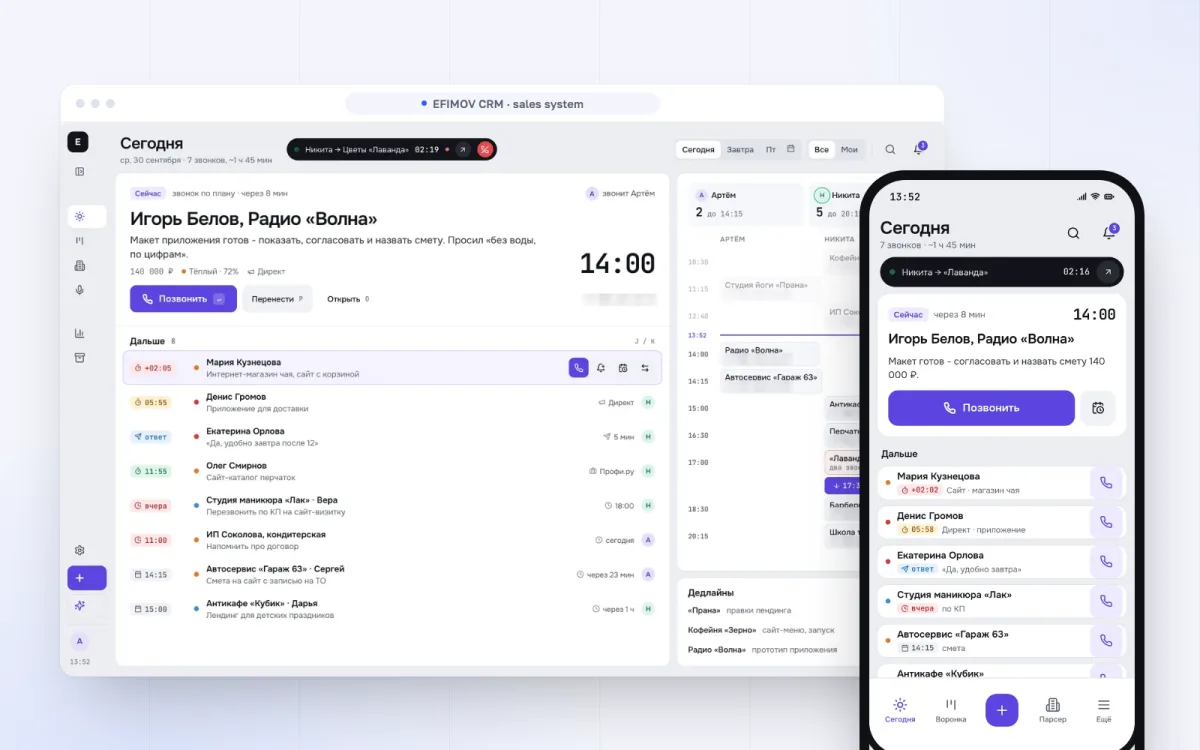 EFIMOV CRMsales workspace: call plan and client cards
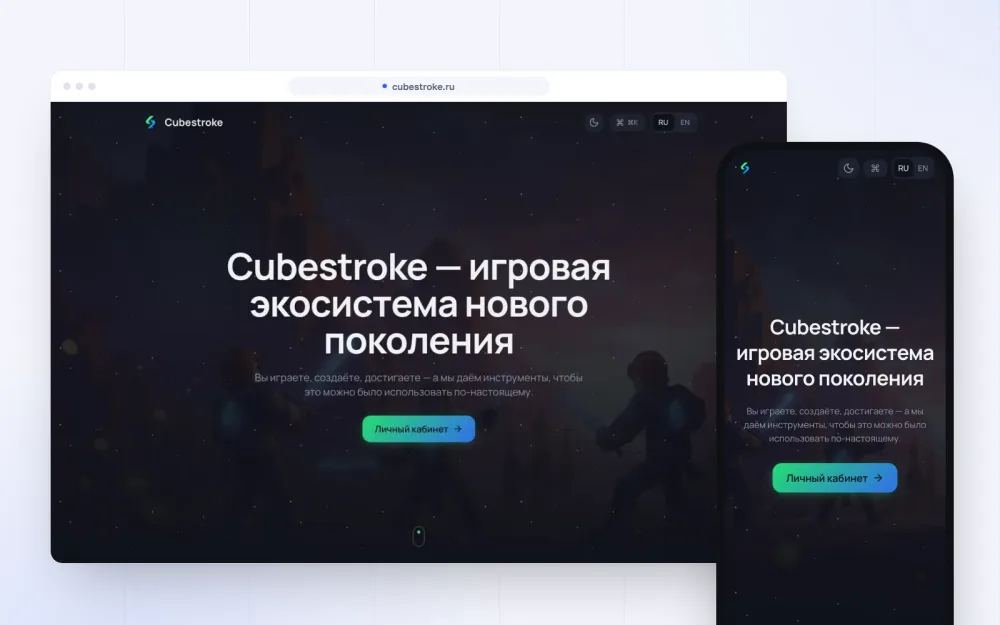 CubeStrokegame account with crypto payments
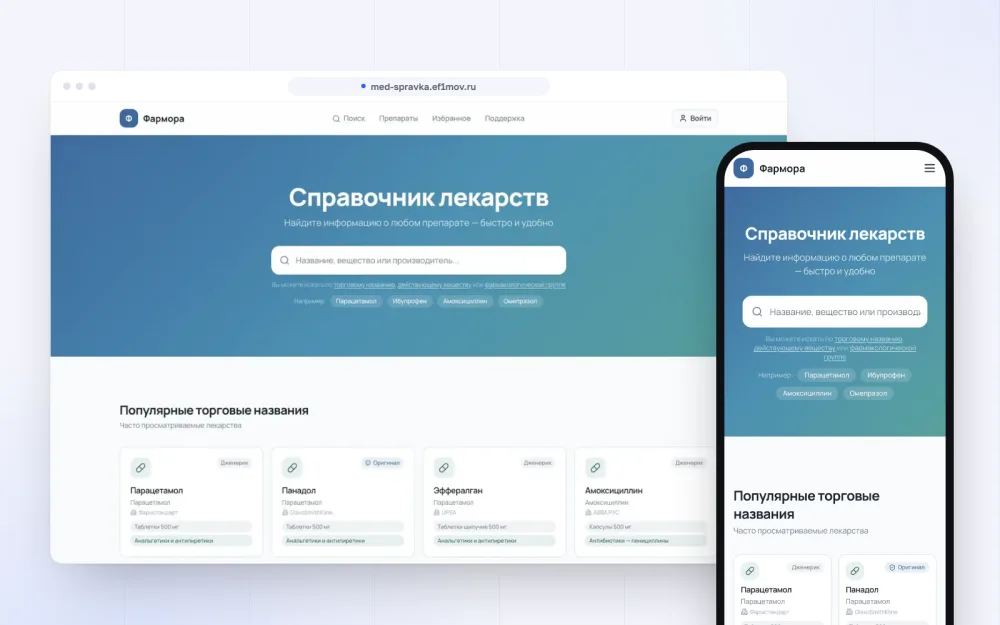 Pharmorareference base with AI assistants and user accounts
When you need a customer portal
- 01Clients keep asking for order status, documents or their remaining balance.
- 02B2B: a client company has several users, contracts, invoices and shipments.
- 03An online school or courses: schedule, homework, payments, contact with the teacher.
- 04A subscription service: plans, renewals and payment history.
If people buy once and never return, nobody will open the portal. Sometimes a status email or a Telegram bot is enough - faster and cheaper, and we'll say so at the review.
How the work goes
- 012-3 daysRoles and flows
Who signs in, what they do, what data they see, and where that data comes from.
- 021-2 daysFree prototype
Clickable key screens for the main role. We quote from it.
- 031-2 weeksDesign
Every screen and state: empty, loading, error, mobile.
- 042-6 weeksFirst version
Sign-in, roles, main flows, integrations. A build you can try every two weeks.
- 051 weekTesting and launch
We test access for every role, payments and notifications, and migrate data.
- 06ongoingGrowth
New roles and features based on user feedback.
Free: prototype in 1-2 days - before any contract or payment
I want prototype ↗What a customer portal costs
One client view versus a system where client, manager, accountant and admin see different things.
Its own database or data from your CRM and ERP: integrations are often harder than the screens.
One-off payments, subscriptions, refunds and receipts.
Email, Telegram, SMS - each channel is connected and tested separately.
Existing clients and history in spreadsheets or an old system need careful migration.
We quote after the prototype: first version first, then in stages.
No “from” and no hidden lines: one number, and we stick to it.
Get a free prototype ↗What we need and what you get
What we need from you
- A list of roles: who signs in and what they do there
- Access to the CRM, ERP or database the portal will use
- A payment provider contract if the portal takes payments
- A person on your side who knows the process
What you get
- A working portal on your domain and server
- Admin panel and permission settings
- Integrations with your systems and notifications
- Source code, access and documentation
What we build it with
Mistakes we avoid
Without a role model from day one, one day a client sees someone else's invoices. We draw the permission matrix before the first screen.
Nobody opens an empty profile. The portal must hold what people would otherwise email your manager for.
A portal with its own database separate from the CRM means staff copy data by hand. We connect the systems.
A long form at the door loses half the users. Link, phone or Telegram sign-in, with details filled in later.
FAQ
How much does a customer portal cost?+
We quote after a free prototype. Roles, CRM or ERP integrations and payments drive the price most. The first version is estimated separately, then we grow it in stages.
How long does it take?+
A first version with one or two roles takes from a month. More roles, payments and integrations take longer; we give the exact timeline after the prototype.
Can you add a portal to an existing website?+
Yes. It can live in a section of the site or on a subdomain, sharing the design and sign-in. No need to rebuild the whole site.
How is a B2B portal different?+
In B2B a client has several users with different rights, contracts, invoices and shipments, often synced with an ERP. So there's more work on roles and documents than on the interface.
How is client data protected?+
Permissions are checked on the server, not just in the interface, sign-in is protected from brute force, and we test access for every role before launch.
Who owns the code?+
You do. Code, server and access are in your name from the start.
Sources: OWASP Top 10 - web application security risks · GDPR - official text of the regulation
Further reading
Blog ↗Other services
Services ↗Got a project? We’ll draw it.
Leave a request - a 30-minute call, we dig into the task and show prototype in 1-2 business days. Free, no prepayment.