



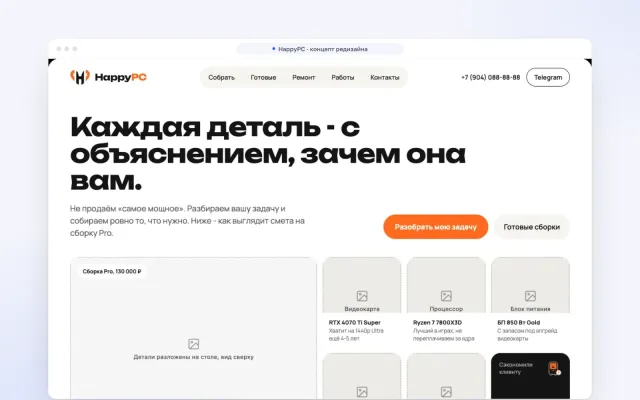


How we built Kordon: from a script for a friend to an app for Mac, Windows and Linux in a week
On 29 October a friend asked for a script: work apps should stop on their own when the VPN drops. A week later it is Kordon, an app for Mac, Windows and Linux with a tray window, a dashboard, a browser extension and a Telegram bot. In the first day after release we shipped nine versions, it was downloaded 190 times and got 48 stars on GitHub. Here is how it works, what broke along the way and what we now do in client projects because of it.
Why it was needed
My friend works with AI agents only through a VPN, and it matters to him that they never go online directly. Many people are in the same spot: a corporate VPN required by a client, a work address in another country, plain privacy. During the day that is easy to watch. But AI agents like Claude Code or Cursor work for hours without a person: you start a task for the night and go to bed. If the VPN drops in the meantime, the agent keeps going online from the home address, and nobody notices until morning.
The usual kill switch in a VPN client does not help here: it cuts the whole internet or does not work at all when the VPN runs in proxy mode. We needed something else: stop exactly the work apps and leave everything else alone.
The first version was a 250-line script for macOS: every few seconds it asked for the external IP and closed the app if the address was wrong. It worked, but crudely: a closed agent loses everything it was doing.
Freeze, don't close
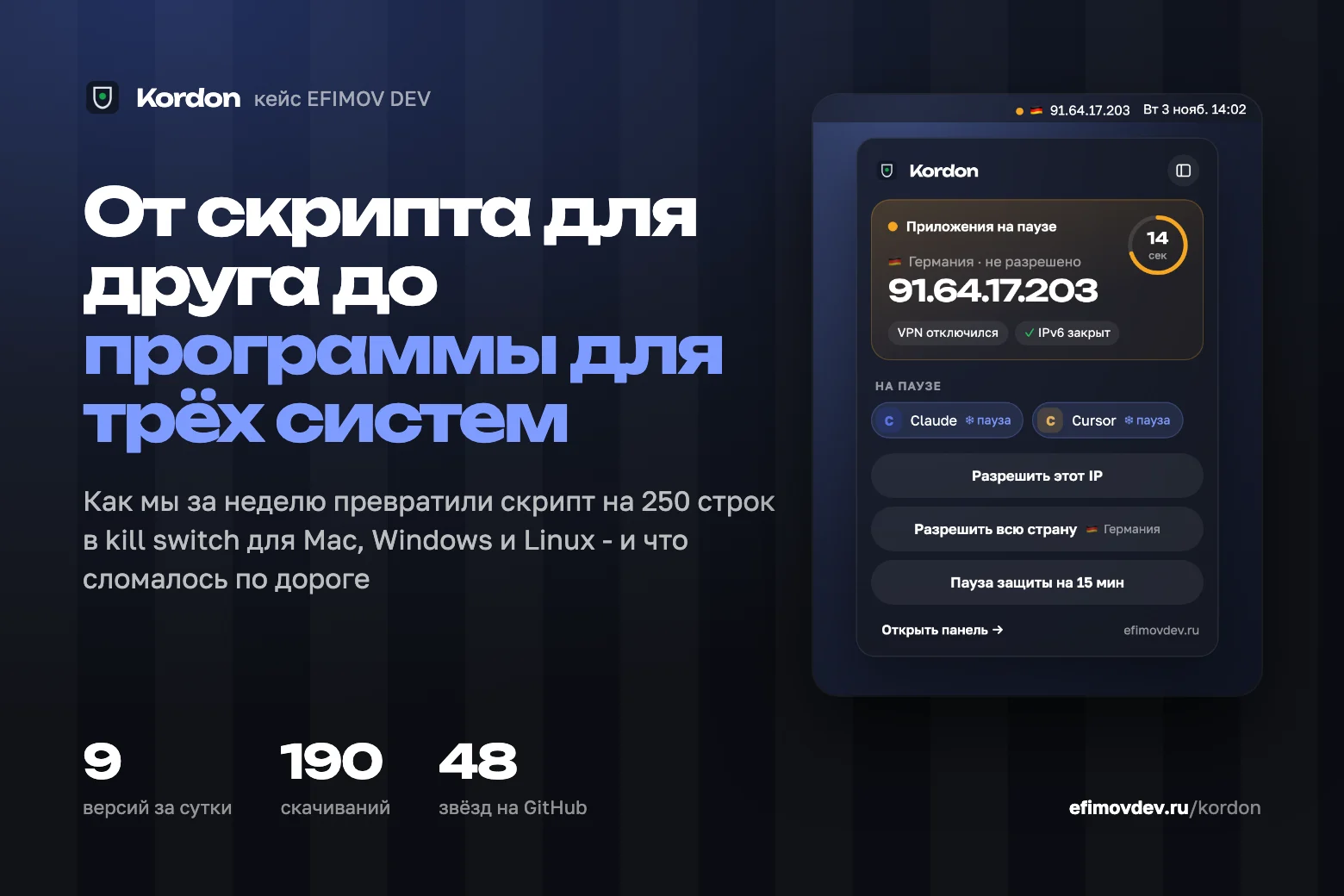
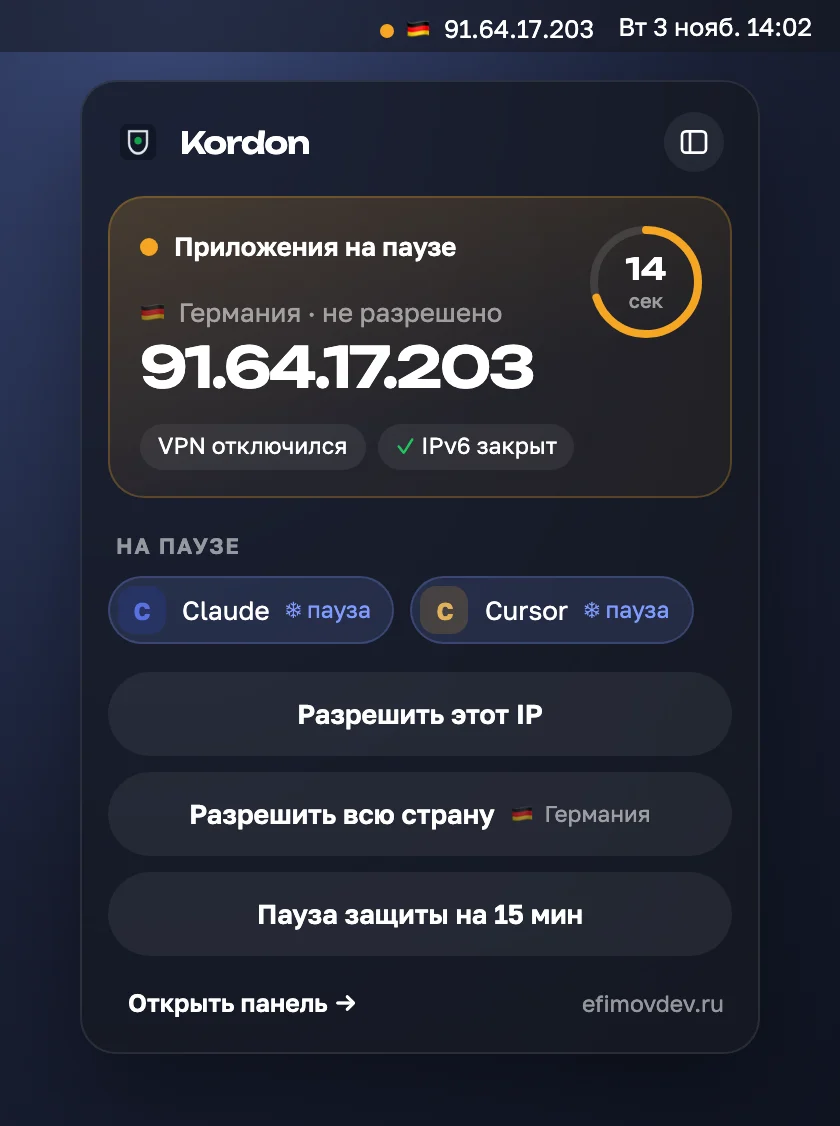
The key decision Kordon grew from: don't kill the app, pause it. Operating systems have standard tools for this - SIGSTOP on macOS and Linux, NtSuspendProcess on Windows. The process freezes entirely: it runs no code and sends no requests, but remembers everything. When the VPN is back, it continues from the same spot as if nothing happened.
If the allowed address does not come back within 20 seconds, the app is closed. It is a trade-off: short VPN drops (most of them) pass unnoticed, and a long one does not leave a frozen app hanging for hours.
A separate pitfall is child processes. Claude Code starts git, curl and MCP servers, and each of them goes online on its own. Freezing only the main process is useless: the children keep working. So Kordon freezes the whole process tree and unfreezes it in reverse order.
How to tell the VPN really dropped
It seems enough to ask a service for your IP. In practice one check is not enough:
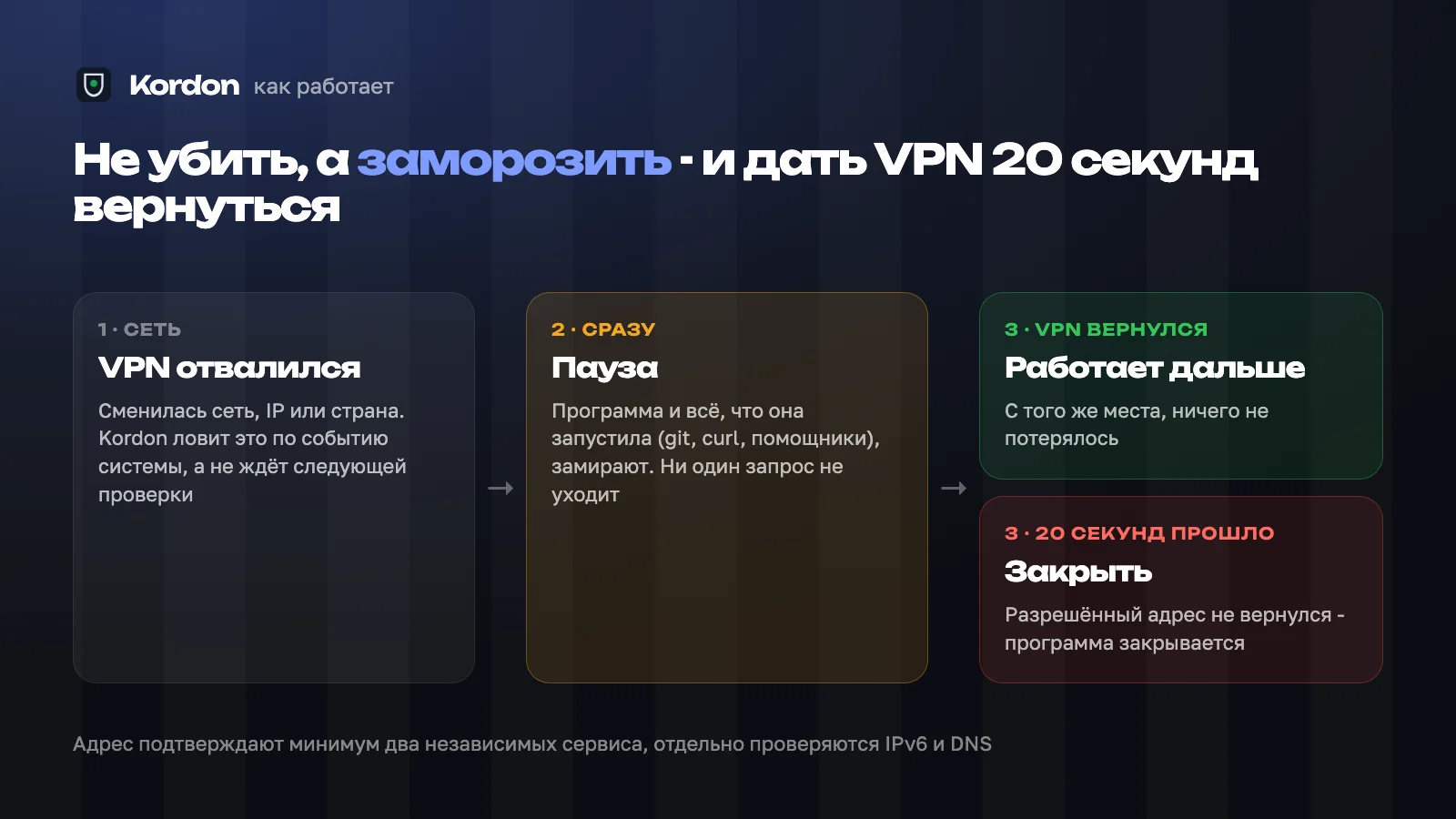
- IP lookup services sometimes get it wrong or return an old cached address, so at least two independent services must agree;
- many VPNs tunnel only IPv4 while IPv6 goes direct, so Kordon checks it separately;
- polling every few seconds means a few seconds of leaks, so Kordon listens to the system's network change events and checks at once;
- DNS queries can bypass the VPN even when the address is right - Kordon warns about it and can freeze apps if you want.
The list did not come from theory: almost every item is someone's real case from the comments under posts about Kordon.
Leaks you can't see
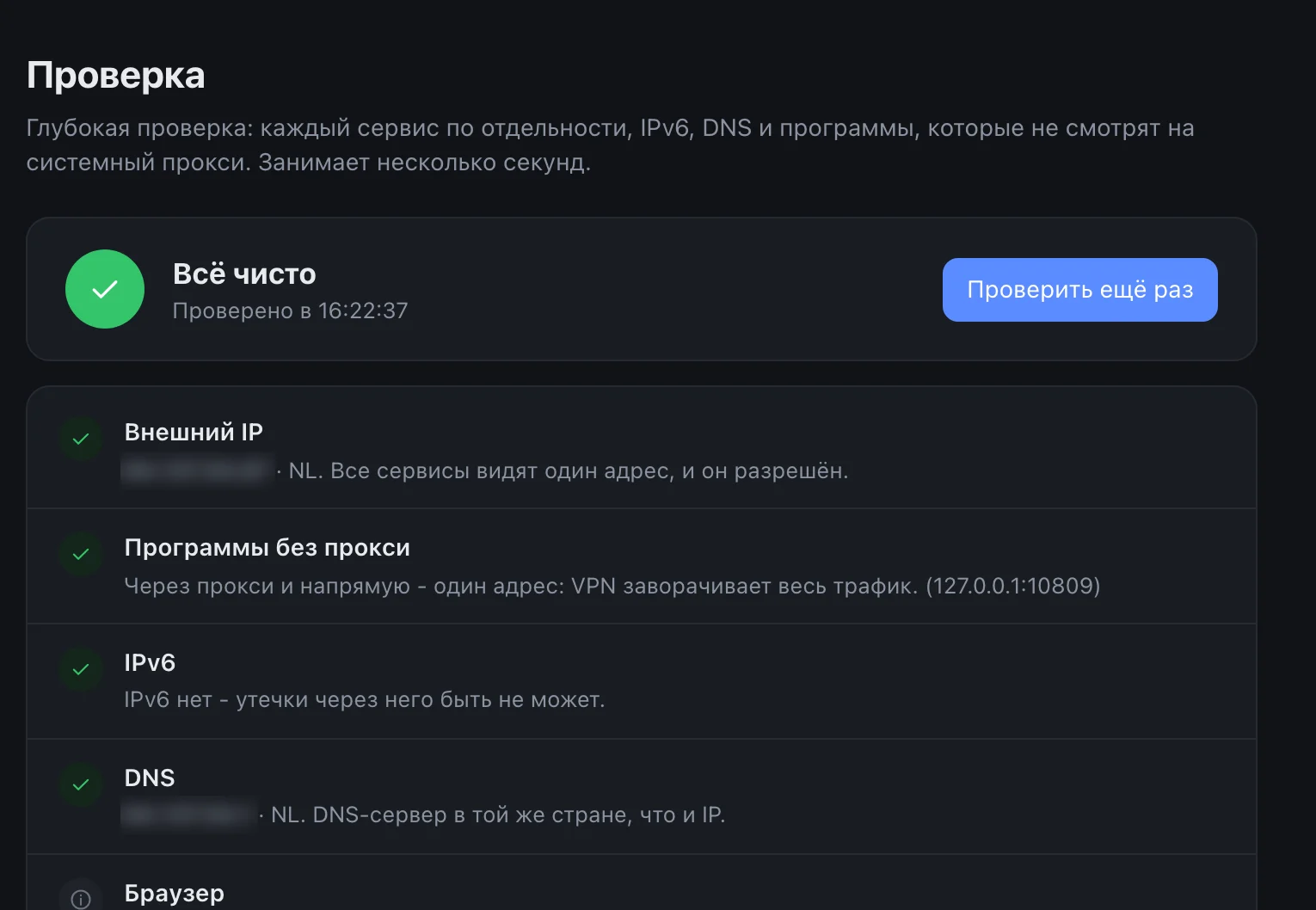
The nastiest finding is a VPN in proxy mode. The browser goes through it, an IP check in the browser shows the right country, while the terminal, git and agents that ignore the system proxy go direct. The person is sure they are protected, and half of their apps show the home address.
So Kordon got a one-click leak check: it asks for the address through the proxy and directly, checks IPv6 and DNS, and tells you which mode to turn on in the VPN client so it tunnels all traffic.
What users found
Kordon came out on the evening of 2 November, and the first day went mostly into bugs we had not seen ourselves. The three most telling:
- Someone else's process. Kordon remembered a frozen app by its process number. If the app was closed and the system gave that number to another process, an “unfreeze” or “close” command could hit the wrong target. A user found this and sent a write-up. Now Kordon also remembers the process start time and checks it before every action;
- Updating on Mac. After an update from the menu the old version quit but the new one did not start: macOS thought Kordon was still running. Fixed in 1.2.1, five minutes after 1.2.0;
- An empty window on Windows. The tray window opened as a white rectangle. The cause: the built-in WebView2 browser inside a window created hidden has to be switched on separately when shown. Macs don't have this, so we never saw it.
A run on real Windows before every release
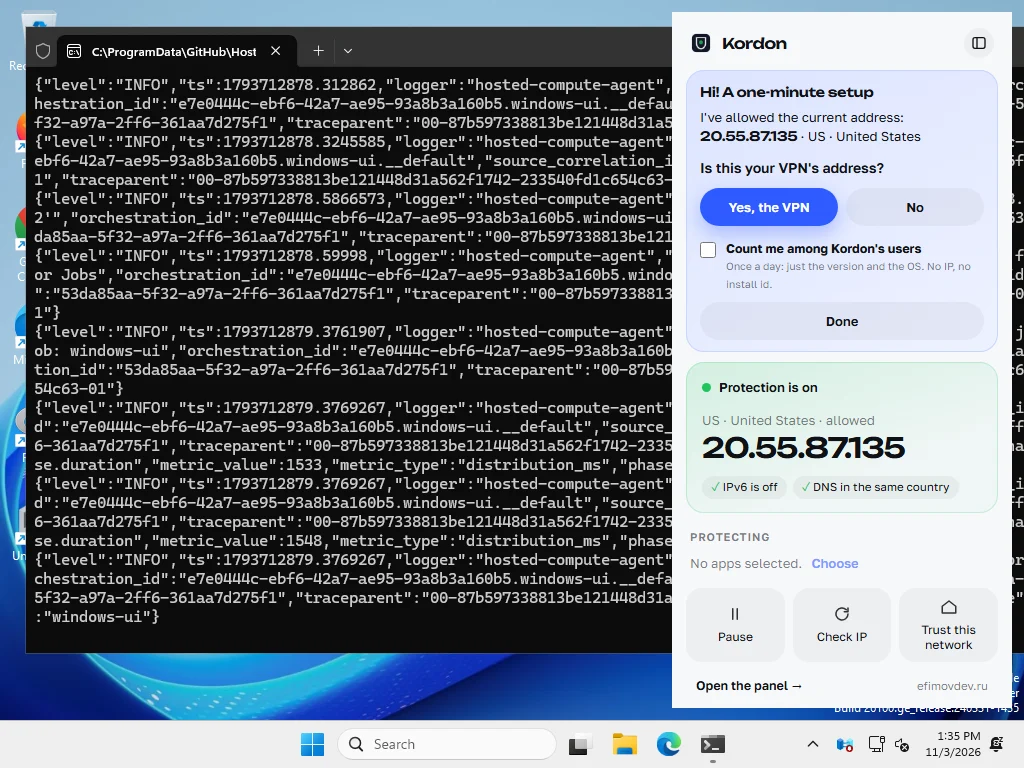
After the empty window we made a rule: before every release Kordon starts itself on a clean Windows machine in GitHub's cloud, opens the tray window and the dashboard and takes screenshots. If the window is empty or did not open, the release does not ship. The very first run found two more bugs that never showed up on our computer.
The second story is antivirus software. Kaspersky flagged the 1.2.2 Windows build as dangerous: an app that freezes other processes and goes online looks like malware by behaviour. A false positive, but that does not help the user. Since 1.3.0 every build is checked by Kaspersky and VirusTotal before publishing, and the result goes into the release notes.
Numbers from the first day
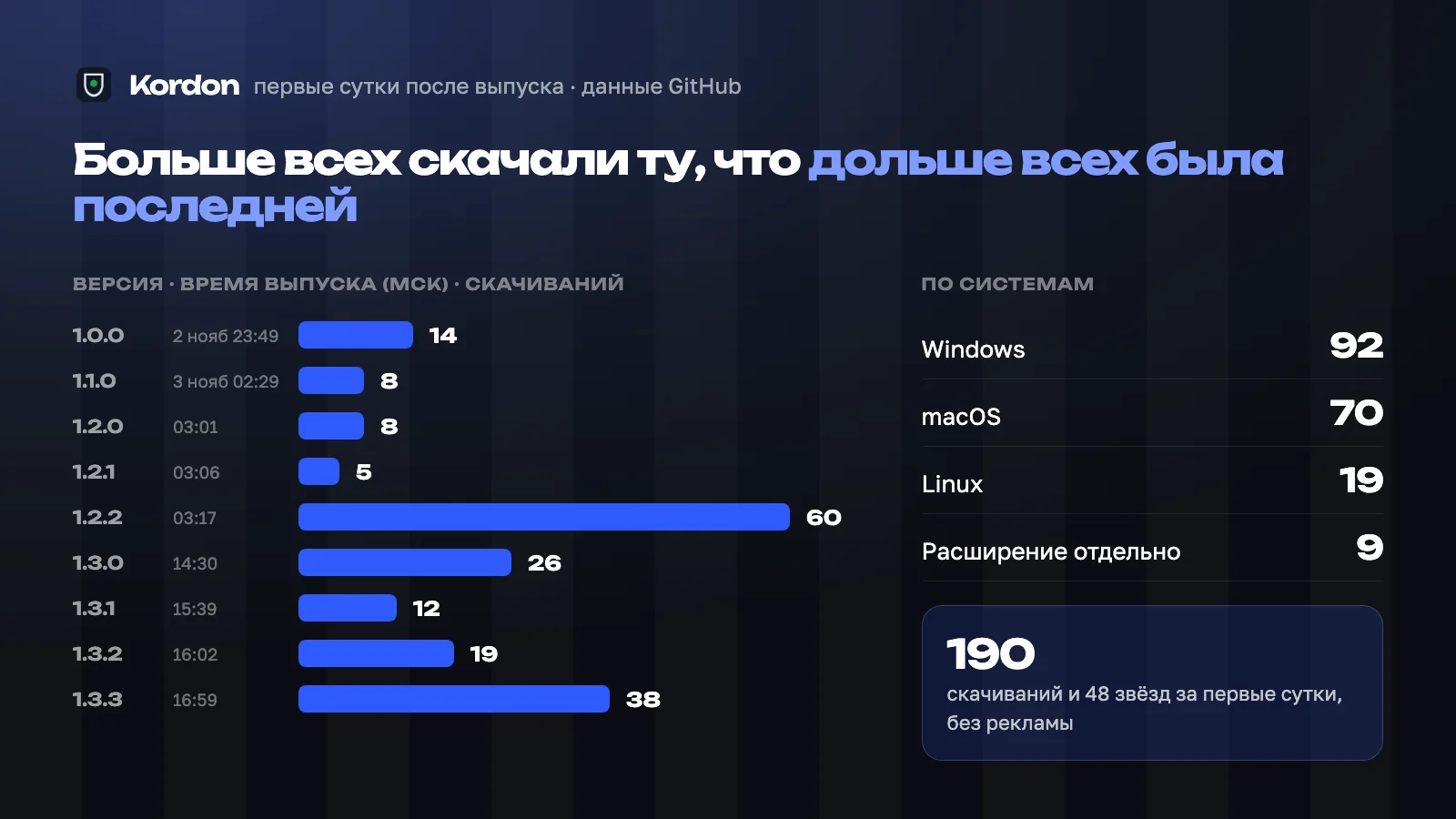
From 23:49 on 2 November to 17:00 on 3 November (Moscow time) we shipped nine versions, from 1.0.0 to 1.3.3. Kordon was downloaded 190 times: 92 for Windows, 70 for macOS, 19 for Linux and 9 more for the browser extension alone. 48 stars on GitHub. No ads - almost all traffic came from posts on Threads.
Kordon is now about 12,000 lines of Go: one codebase for three systems, a tray window, a dashboard, a Chrome extension and a Telegram bot that writes when the VPN drops and lets you allow an address with a button on your phone.
What we take into client projects
Kordon is our own product, and it is a handy place to test what we later build for clients. Four things from this week became studio standards:
- One-click updates. The app finds out about a new version, shows what changed, downloads it, verifies the checksum and restarts. The person sees every step instead of “I clicked and can't tell if it froze”;
- Testing on a real device before release. Not “works on my machine”, but an automatic run on the system people will actually use;
- Honesty about data. The interface says what the app sends and where, and the user counter is on only with consent;
- A short feedback loop. A bug a user found in the morning was fixed and shipped the same day.
If you need your own app, a web service or a Telegram bot, we start the usual way: with a free prototype of the main screen. Kordon itself is free - download it on its page.
Frequently asked
What is Kordon?+
A free app for Mac, Windows and Linux that pauses chosen apps when the VPN drops or the IP changes and unfreezes them when the allowed address is back. If it does not come back within 20 seconds, the app is closed.
How long did it take to build Kordon?+
Four days from the first script on 29 October to version 1.0.0 on 2 November. Then eight more versions with fixes and new features came out during the first day after release.
Can EFIMOV DEV build a similar app for me?+
Yes. We build desktop and web apps, services and bots. We start with a free prototype of the main screen so you see the result before paying.